
How to Embed AI Q&A into Your Own Product
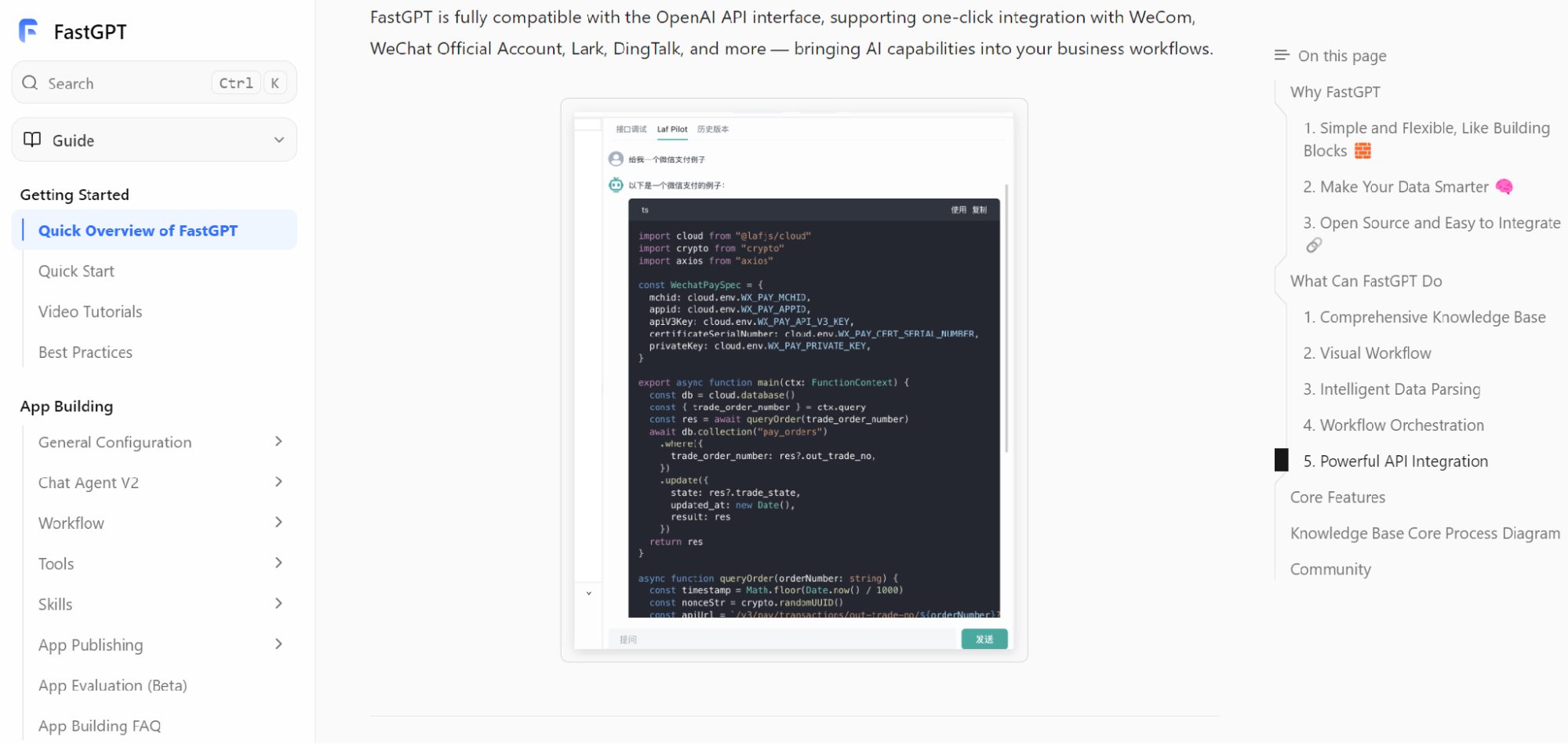
Embedding AI Q&A into a product can create a better user experience than sending users to a separate help center or chatbot page. Users can ask questions where they are already working, receive answers based on approved knowledge, and move directly to the next action. For SaaS products, internal tools, customer portals, and developer platforms, embedded AI Q&A can reduce support volume, improve onboarding, and make documentation more useful.
But embedding AI Q&A is not just a front-end widget. It requires knowledge governance, retrieval quality, permissions, citations, API design, analytics, and fallback behavior. If the assistant gives unsupported answers or exposes the wrong knowledge, it can damage trust. A platform such as FastGPT should be evaluated for how well it supports a product-grade embedded experience, not only for whether it can answer questions in a standalone chat.
Choose the Right Product Surface
Start by choosing where AI Q&A belongs in the product. It may appear in a help drawer, onboarding flow, settings page, admin console, documentation portal, support form, or workflow screen. The placement should match user intent. If users ask questions while configuring a feature, the assistant should be near that feature. If they ask troubleshooting questions, it may belong inside the support flow.
Avoid making the assistant too generic. A product-wide AI button can be useful, but contextual Q&A often performs better. If the assistant knows which page, feature, account type, or workflow the user is in, it can retrieve more relevant knowledge and ask better follow-up questions. Context should improve usefulness without violating privacy or permissions.
Curate Product Knowledge
Embedded AI Q&A depends on good product knowledge. Documentation, release notes, troubleshooting guides, FAQs, onboarding materials, and support playbooks should be organized and maintained. The assistant should not retrieve outdated pages or internal-only notes for customer-facing answers.
Separate knowledge by audience. Public customers, internal support agents, partners, and administrators may need different information. A customer-facing assistant should use approved public or customer-safe content. An internal support assistant may use deeper troubleshooting notes. Mixing these sources can create risk.
Design Citations for Trust
Users trust embedded AI more when they can verify important answers. Citations should be visible but not distracting. A short answer may include a link to the relevant documentation section. A troubleshooting answer may show the source article and version. A policy or configuration answer may need more explicit evidence.
Citations also reduce support burden. If the answer helps but the user wants more detail, the source link gives them a next step. For product teams, citation clicks and unanswered questions reveal documentation gaps. Embedded AI should make knowledge more discoverable, not hide it behind generated text.
Respect User Permissions
Product embedding makes permissions especially important. The assistant may know the user's plan, role, workspace, organization, region, or enabled features. It should not reveal features, data, or documents the user is not allowed to access. If the product has role-based permissions, the AI layer should follow them.
Permissions should apply to both answers and citations. A user should not see a restricted document title, internal source path, or admin-only instruction through a citation. If the assistant uses account context, that context should be minimized and protected. The product should pass only what the assistant needs to answer safely.
Build Useful Fallbacks
Embedded AI will not answer everything. It may lack information, encounter ambiguous questions, or face a support issue that requires a human. Fallbacks should be designed before launch. The assistant can ask a clarifying question, show relevant docs, open a support ticket, route to live chat, or suggest contacting an administrator.
Fallback design affects trust. A clear "I cannot confirm this from the available documentation" is better than a confident guess. Users are more forgiving when the assistant is honest and helpful about next steps. The goal is not to force an answer every time. The goal is to help users move forward.
Design the API Integration Carefully
The product integration should handle authentication, user context, conversation state, citations, streaming, errors, and feedback. Developers should avoid treating the AI answer as a plain string. A product-grade integration needs structured responses so the UI can show sources, handle loading states, continue conversations, and report issues.
Latency matters. If the assistant is embedded in a workflow, slow responses can interrupt the user. Streaming can help, but the answer must still be accurate. For high-frequency questions, consider caching public documentation answers or precomputing common guidance. For sensitive or account-specific questions, prioritize correctness and permissions over speed.
Connect Q&A to Product Actions
The most valuable embedded assistants do more than answer. They guide users to the next action. If a user asks how to configure a feature, the assistant can link to the relevant settings page. If they ask why an import failed, it can explain possible causes and show the next diagnostic step. If they ask about billing permissions, it can route them to the right admin page or support flow.
Actions should be controlled. The assistant can prepare, suggest, or navigate before it performs changes. For high-impact actions, require confirmation. If the assistant triggers workflows, log what happened and let the user review the result. Embedded AI should reduce friction without taking uncontrolled action on behalf of the user.
Measure Product Impact
Embedded AI should be measured like a product feature. Track usage, question categories, helpfulness, citation clicks, fallback rate, support deflection, time to resolution, onboarding completion, and repeated failed questions. These metrics show whether the assistant improves the product or merely adds novelty.
Qualitative review matters too. Read failed conversations. Identify missing docs. Watch where users ask questions. Compare AI answers with support team expectations. Product teams can use this feedback to improve documentation, UI wording, onboarding, and feature discoverability.
How FastGPT Fits Embedded Q&A
FastGPT's official documentation can help teams understand how knowledge-based applications can be built and integrated. For embedded Q&A, evaluate API behavior, knowledge base organization, citations, workflow support, permissions, and operational review. The platform should support both the AI logic and the product experience around it.
Build a small embedded prototype before committing broadly. Use real documentation, real product surfaces, and real user questions. Test permissions, mobile layouts, latency, citations, fallback behavior, and support escalation. The prototype should prove that the assistant improves the product journey.
Production Notes for Product Teams
Product teams should treat embedded AI Q&A as an evolving feature. The first version should be narrow enough to be reliable. It might answer documentation questions, guide onboarding, or help users troubleshoot a small set of workflows. Once the team sees how users interact with it, the assistant can expand. Starting too broad increases the chance of vague answers, weak citations, and disappointed users.
The assistant should also have a clear personality and boundary. It should answer in the product's voice, but it should not overpromise. If it cannot confirm an answer from approved knowledge, it should say so and offer the next best action. If the user asks for account-specific help, it should know whether it has permission and context. If it cannot perform an action, it should guide the user to the right screen or support path.
Designers should think carefully about source display. Citations can build trust, but too many links can clutter the interface. A compact source area, expandable references, or inline documentation links may work better than a long list of sources. The right design depends on the product surface. A developer tool may need detailed references. A consumer-facing onboarding assistant may need simpler links.
Support teams should be involved early. They know which questions users ask repeatedly, which answers cause confusion, and where documentation is weak. Embedded AI can reduce support load, but only if it reflects real support knowledge. Support feedback should flow back into the knowledge base. When the assistant fails, the fix may be a better document, a clearer UI label, a new fallback, or a change to the product itself.
Finally, embedded AI should be launched with measurement and governance. Decide which questions are in scope, which content sources are approved, who reviews failed answers, and how product changes update the knowledge base. If a feature changes but the assistant still answers from old documentation, trust will fall quickly. The AI assistant should be part of the product release process, not a disconnected layer that drifts behind the product.
Product teams should also plan onboarding for the assistant itself. Users need to understand what it is good for without reading a long explanation. The best onboarding is usually contextual: suggested questions near complex settings, source links inside answers, and clear fallback paths when the assistant cannot help. Avoid promising that it can answer everything. A narrower promise creates more trust.
The team should decide how embedded AI interacts with existing support channels. If users can escalate from an AI answer to a human agent, the handoff should include the question, answer, citations, and relevant product context. This prevents users from repeating themselves. It also helps support teams identify whether the AI answer was helpful or misleading.
Finally, embedded AI should be reviewed when the product changes. New features, renamed settings, pricing changes, permission changes, and deprecated workflows can all make old answers wrong. The knowledge base should be part of the release checklist. If documentation is updated after launch but the AI index is not refreshed, users may receive outdated guidance. Keeping the assistant aligned with the product is a continuous product operations task.
Common Embedded AI Mistakes
The most common mistake is placing the assistant everywhere without context. If the assistant does not know what the user is doing, it may provide generic answers that feel disconnected from the product. Contextual placement usually works better: help near settings, troubleshooting near errors, and onboarding guidance near setup steps.
Another mistake is using internal knowledge in a customer-facing assistant without careful filtering. Internal troubleshooting notes, roadmap details, or support-only instructions may be useful to agents but inappropriate for customers. Separate knowledge sources by audience and test citations as carefully as answer text.
A third mistake is hiding failure. If the assistant cannot answer, users need a useful next step. A clear fallback to documentation, support, or a human workflow protects trust. Pretending to know the answer is worse than admitting the boundary.
Finally, do not let the assistant drift away from the product. Embedded AI should be reviewed with every major release. Product changes, documentation changes, and permission changes all affect answer quality. Treat the assistant as part of the product surface, not a separate experiment.
Final Takeaway
Embedding AI Q&A into your own product can make support, onboarding, and documentation more useful. But it must be designed as a product feature, not a pasted chatbot. The team needs curated knowledge, permission-safe retrieval, citations, strong API integration, clear fallbacks, controlled actions, and measurement.
The best embedded AI assistant appears at the moment of need, answers from approved knowledge, shows sources when useful, respects user access, and helps the user take the next step. When built this way, AI Q&A becomes part of the product's value rather than an isolated experiment.